How to play Noillirk
Noillirk is a word game about predicting the crowd. Pick a simple answer that fits the prompt and that other people might think of first. For “Name a fruit,” a guess like apple is usually a better starting point than something you rarely see at the supermarket. The game compares your guess with its own ranked answer board.
- Read the whole prompt. Look for a qualifier like “at a campsite” or “in the morning.” Start with the everyday answer that fits that exact situation.
- Type one answer and submit it. Press Enter on a keyboard or tap Submit on a phone. If you are stuck, Pass brings up the answer reveal for zero points.
- Read the board before the next round. The reveal shows the five highest-ranked answers and the points your guess earned. Take a moment to see where your guess landed, then choose Next when you are ready.
Crowd 100 and Sky Climb
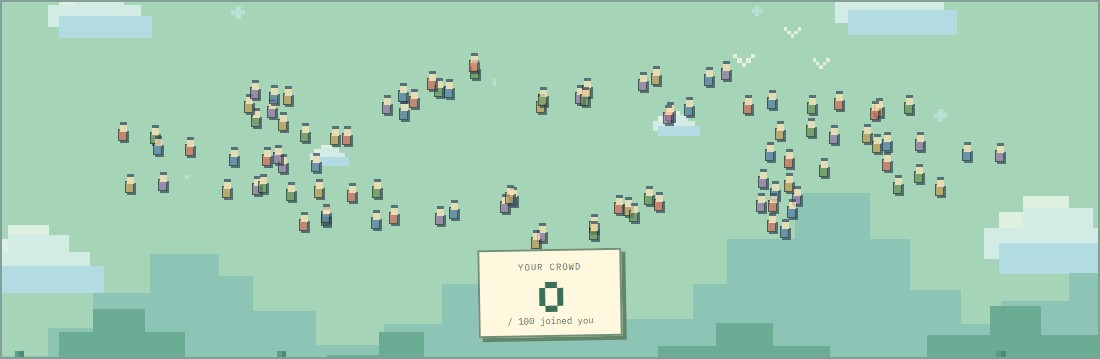
Crowd 100 gives you 30 seconds for each of the day's ten prompts. A first-place guess earns 100 base points, and the scoring multiplier increases in later rounds. Every 25 points pulls one more person toward your tile. Fill the crowd at 2,500 points, or choose Unlimited in the game menu for a 20-prompt run.
Sky Climb gives you 15 seconds for each of seven prompts in Classic. Each point lifts you 10 metres, so seven first-place answers take you to 7,000 metres. Endless adds a three-balloon limit, so an accepted guess can be worth taking even if you doubt it will land at the top. For a fixed set of questions, pick a theme such as Comfort Kitchen or Into the Wild in the game menu.
Today's board and the next round
The main Play button opens the Crowd 100 Daily. The board is selected using the date on your device, and a run keeps that date until it finishes. Your first eligible completed run counts toward the daily score and streak. A replay of the same date is practice, so use it to try the familiar answers you missed the first time. The Daily guide explains resets and older challenge links.
After a round, if your answer earned zero, check whether it fit the wording before assuming nobody would say it. The board is a curated estimate of common answers. It accepts selected variants and common spelling differences, with one entry scored per prompt. Use the scoring guide for the full rank bands and examples of the late-round multiplier.
Compare a run with friends
For a live match, open the game menu and select Create or join under Private live rooms. Create a room or enter a friend's five-character code. Up to 12 players can answer the same prompts on the same clock. For an asynchronous challenge, share a finished run. Its link carries the board or run settings, and the score tiles let you compare results without revealing the guesses in the share text.
Noillirk Games is an independent fan edition with its own question bank and illustrations. PlayDaily hosts the original Noillirk.